Scams & fraud
A Data-Breach Notice Arrived: What Should Your Household Do Today?
A notice from a shop, health service, insurer or government agency is a prompt, not a crisis. Confirm it is genuine, then act on the information that was actually exposed. Most of the harm comes later, from reused passwords and follow-on scams.
The Office of the Australian Information Commissioner (OAIC) describes a data breach as personal information being accessed, disclosed without authorisation, or lost. That can be a hacked database. It can also be a stolen laptop or a file sent to the wrong person.
Under the Notifiable Data Breaches scheme, an organisation or agency that must comply with Australian privacy law has to tell you if a breach is likely to cause you serious harm, and it must tell the OAIC as well. The OAIC’s examples of serious harm include identity theft, financial loss through fraud, a likely risk of physical harm, serious psychological harm, and serious harm to reputation. Not every incident meets that test, and not every organisation is covered. If you did receive a notice, treat it as real enough to check — then match the response to what was exposed.
First, confirm the notice is genuine
The OAIC says you may be told directly, by email, or indirectly, because the organisation published a notice on its website. A genuine notice should name the organisation, describe the breach, list the kinds of personal information involved, and recommend steps you can take. ASD’s recover-from-a-data-breach guidance adds a household warning that sits beside that: criminals use breach news to send fake “secure your account” messages.
- Do not use the link, QR code, phone number or attachment in an unexpected message to “log in and check”.
- Open a path you already trust: the organisation’s official website or app, typed by you, or a number from a statement, membership card or the contact page you found yourself.
- Ask one question: is this organisation actually reporting a breach, and does the notice mention your kind of account?
- If the answer is yes, keep a copy of the notice and a short note of what you did next. The OAIC recommends that record in case harm appears later.
If someone calls claiming to be “from the breach team”, hang up and call back on a number you found yourself. Familiar details from the breach — your name, an old address, part of a membership number — are not proof of who is speaking.
A ten-minute household order
ASD’s current recover page is blunt: find out what was exposed, watch for scams, then secure accounts, money and identity. Do the high-value checks first. Leave document replacement and credit-report bans until you know they are needed.
- Read the “what was involved” list. Contact details, a password, a payment card, a driver licence, a Medicare number and a tax file number are different jobs.
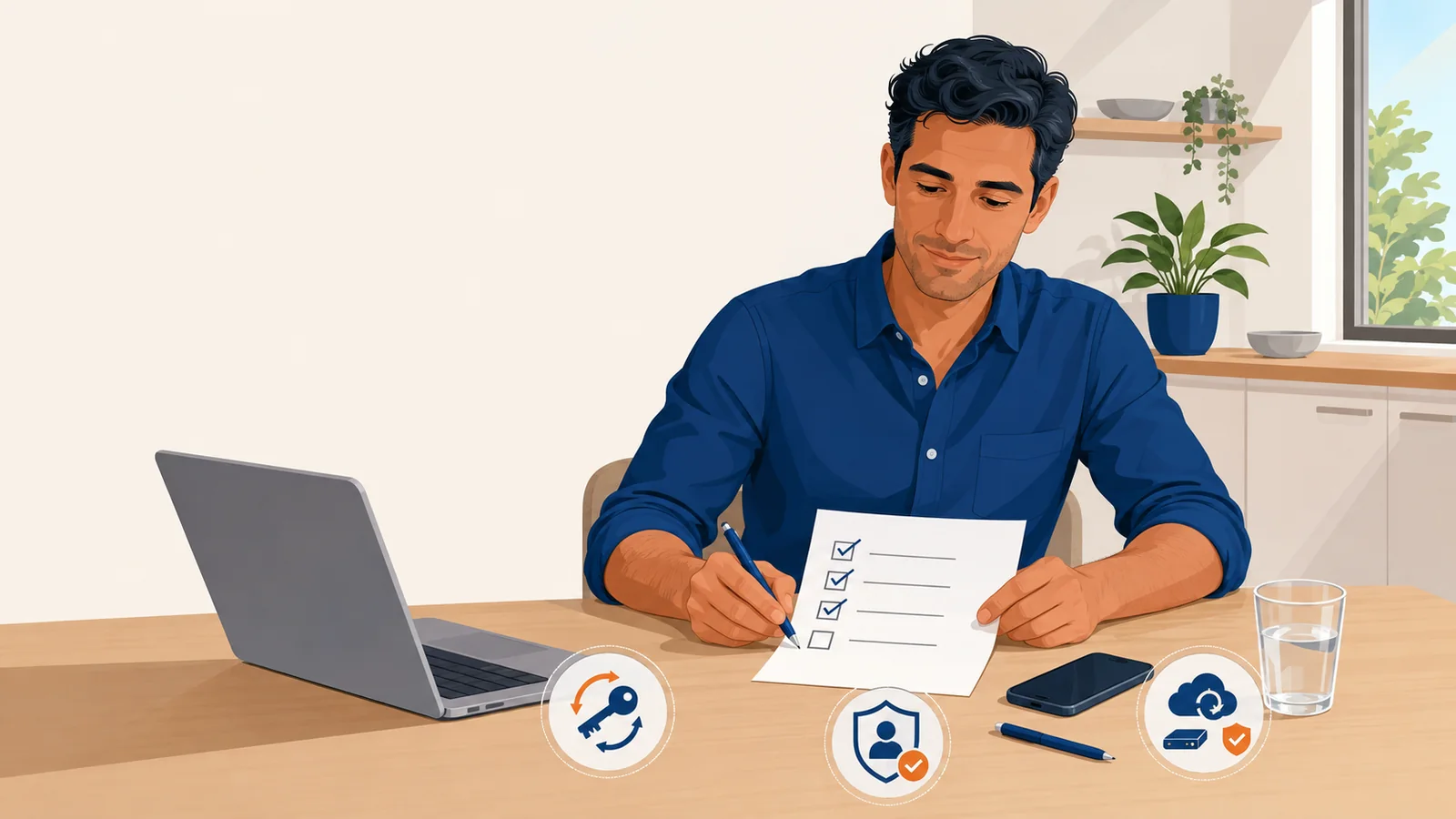
- Secure email if it was in the breach, or if you reused that mailbox password anywhere. Change the password on the provider’s official site or app. Turn on multi-factor authentication or a passkey where it is offered. Review recovery phone numbers, recovery email addresses, forwarding and signed-in devices. ASD treats passkeys as one of the stronger ways to sign in after a breach.
- Change that password anywhere it was reused. A unique password on the breached service is not enough if the same string still opens shopping or social accounts.
- If money or cards may be in play, contact the bank using a number you already trust. Ask whether to freeze cards, watch transactions or replace them. Check recent statements for purchases you did not make.
- Turn on or review account alerts so an unfamiliar sign-in or payment is harder to miss.
Then match the rest to what was exposed
The OAIC’s consumer pages split the next actions by data type. Use only the rows that apply.
- Name, address, email or phone number. Expect more personalised scam mail and calls. Do not share extra personal information until you are sure who you are speaking to. Keep antivirus software current on devices you use for email.
- Online banking or card details. Change banking passwords and PINs through the bank’s own site or app. The OAIC notes that a bank generally will not email you a link to update a password. Monitor statements and consider a credit-report check.
- Driver licence, passport, Medicare or other government-issued ID. Contact the issuing agency through its official website for that document’s process. Do not rush a replacement until that agency says it is useful.
- Tax file number or tax records. Contact the Australian Taxation Office through ato.gov.au. The OAIC says the ATO can monitor unusual activity against a tax file number.
- Health information. Contact the health service named in the notice, using details from its website, and seek ordinary medical or support help if the content is distressing.
The OAIC also says credit reporting bodies may hold different information, so if financial identity is in doubt you may need a report from all three, and you can request a ban on your consumer credit report if you have been, or are likely to be, a victim of fraud. Use the OAIC credit-reporting pages for the current process rather than a link from the breach email.
The follow-on scam is often the real problem
ASD says data breaches can lead to identity theft and scams, and that criminals often use exposed information to target you. A message that uses your real name, mentions the breached organisation, and offers to “lock your identity”, “process compensation” or “recover lost money for a fee” is a reason to slow down, not a reason to pay.
If money has already moved, contact the bank first on a trusted number, then report the cybercrime. ASD’s live reporting page is ReportCyber on cyber.gov.au. Report consumer scams through the National Anti-Scam Centre at Scamwatch. The Australian Cyber Security Hotline is 1300 CYBER1 (1300 292 371), 24 hours. If there is an immediate threat to life, call 000.
For identity-theft support, both ASD and the OAIC point households to IDCARE, Australia and New Zealand’s national identity and cyber support service. Start at IDCARE Get Help or call 1800 595 160 during its published hours. IDCARE describes itself as independent, not a government agency. That does not make it unofficial; it means you should still verify helpers yourself and not hand over extra documents to a stranger who contacted you first.
What this is not asking you to do
This is not a demand to freeze every account or replace every card because an organisation you once used was in the news. If the notice does not list financial data, start with email hygiene and scam caution rather than a full identity rebuild.
It is also not a claim that every Australian organisation must notify you. The OAIC is clear that a covered organisation has time to assess whether serious harm is likely, and that successful containment can mean no individual notice. Absence of a letter is not proof that nothing happened; presence of a letter is not proof that money has already gone.
Optional extra check: ASD lists breach-checking tools such as Have I Been Pwned as one sign you may be affected. Use the official site, enter only an email address, never a password. A match does not mean someone is in the account now. It is a reason to review that service and any reused password.
Where this guidance comes from
- OAIC — Respond to a data breach notification
- OAIC — What is a notifiable data breach?
- cyber.gov.au — Recover from a data breach
- cyber.gov.au — Recover from identity theft
Keep going
A breach notice is one moment in a longer household habit: protect the email that can reset other logins, pause before acting on pressure, and recover in a calm order if something does go wrong. The Australian Family Cyber Safety Handbook brings those pieces together. If you want a calm walk-through for your household or community group, use Contact Us.
More help for families
For a practical, plain-language guide to protecting your family, devices, money and digital life, see The Australian Family Cyber Safety Handbook.
As an Amazon Associate, Bovill Training Group earns from qualifying purchases.